 |
|
The RasMol icon |
||||||||||||||||||||||||||||||||||||||||||||||||||||||||||||||||||||||||||||||||||
 Using RasMol
 |
Getting & Installing RasMol 2.6 | |
Getting & Installing RasMol 2.7 |
|---|
Online operating instructions for RasMol can be found at:
Online Operating Instructions

Configuring your browser for RasMol
Most browsers can be configured to automatically run RasMol and display a protein structure when you click on a "RasMol link".Browser set-up differs from one browser to another, and in some cases between different versions of the same browser, and can depend on whether yours is a Windows or unix/linux environment.
You need to define two types of links: one for standard RasMol display, and the other for display of RasMol script files. Each type of link is defined by a "MIME" type. (MIME stands for Multimedia Internet Mail Enclosures). This identifies the type of file being sent to your browser so that you browser can decide what to do with it.
The following two MIME types need to be defined, as is described in the list of browsers below.
Use the appropriate set of configuration instructions from the table below. These cover the most common browsers. If your machine or browser are not represented here, choose the nearest and see if it enables you to perform the configuration.
MIME type Definition Action chemical/x-pdb Default RasMol display of PDB files Run RasMol chemical/x-ras Interpret and display RasMol script file Run RasMol with -script flag application/x-rasmol
Operating system Browser Version 
Linux/unix Netscape 2 and 3 
Linux/unix Netscape 4 
- Netscape 6 and 7 
Linux Mozilla - 
Windows Netscape 4 
Windows Firefox - 
Windows Explorer - 
Macintosh - - 
Special note: name of temporary directory
Note that RasMol will fail if the name of your temporary dirctory contains a space. For example, if it is called something like "C:\Temporary files", rather than something like "C:\TEMP".
In Windows, for Netscapes 4 and 7 the temporary file directory is controlled by the user environment variable TMP. To change this go to Control Panel, System, Advanced and select enviroment variables. Find TMP and edit it (you may want to change TEMP at the same time to the same address).
On Macs and under Unix, Netscape 4 allow you to set this directory through preferences, applications. Netscape 7 on unix uses /tmp which should be on all machines anyway.
Testing your browser configuration
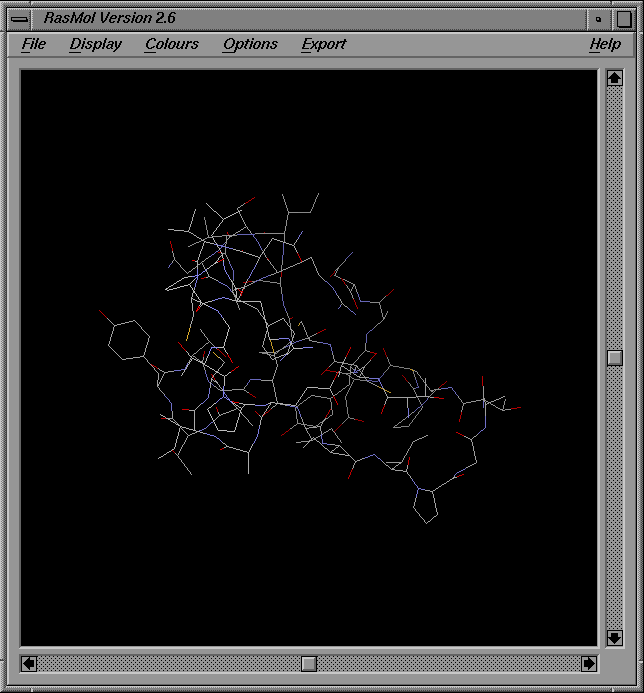
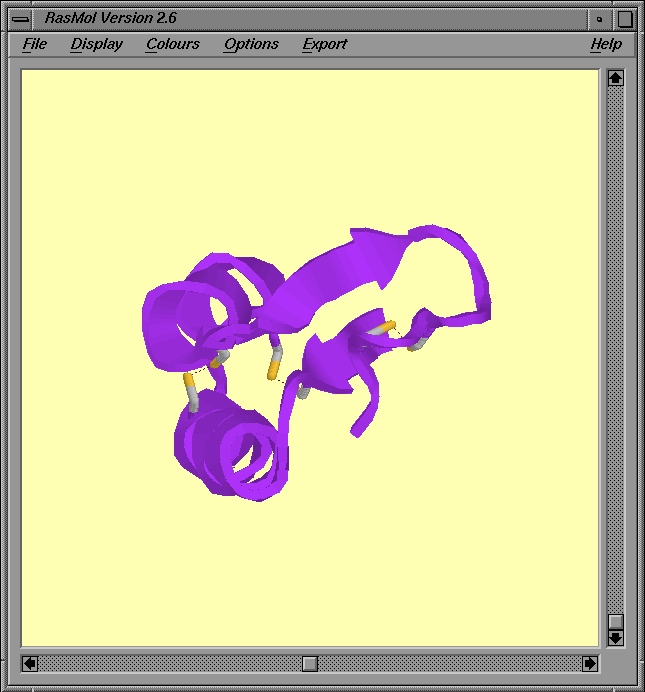
You can test that your browser has been correctly configured by trying the links below. Click on each icon in turn. This should load a RasMol window in which should be the image shown below the icon.
| Default RasMol display | RasMol script rendering | |
|---|---|---|

|

|
|
| chemical/x-pdb | application/x-rasmol | |
|
|
|
|
Plant seed protein crambin from Abyssinian
cabbage (PDB code 1crn) |
||
When RasMol loads you will also get a RasMol "command window" displayed as shown below. You can use this window to issue various commands for manipulating the objects displayed in the RasMol window (see documentation links above).
 |
|---|
| [Click on image to enlarge] |
Note that, under Windows, the command window doesn't automatically pop up onto your screen when RasMol loads; instead, it is placed on the task bar at the bottom of the screen and you need to click on its task-bar icon to get it to spring into view.
Troubleshooting
If RasMol fails to load, check whether your configuration settings are correct. You can try downloading each file in turn and save to disk (ie by SHIFT-clicking on the above icons or, under Windows, right-clicking on them and then saving to disk when prompted). Then run RasMol and load the files by entering either the load or script commands into the RasMol command window:
RasMol> load filename or RasMol> script filename