
BioImage Archive submission - Lab Guide
The aim of this guide is to help you prepare in advance to submit your data to the BioImage Archive. In particular, it provides an overview of what data you should submit, as well as the information you’ll need to provide with your images so that you can think about how to capture that information as you carry out your experiments.
It’s intended to be high level, and aimed at those without an extensive background in computational research or data management. If you have any questions, please get in touch with us at bioimage-archive@ebi.ac.uk. We provide more detailed documentation for the full submission process.
What you should archive, and how to structure your data
What to include
The primary purpose of archiving your data is to allow others to understand how your image data supports your published results. This usually requires archiving at least the raw image data underpinning those results, but will often also include derived data.
Where you have generated and/or used image annotations, these should be included in your submission. You can either archive processing scripts/macros together with your images, or provide them in a dedicated program code hosting repository, for example Github or Gitlab, and include a link in your submission. You will be able to indicate that the link refers to accompanying code.
File formats
For images, in general, it is best to use widely supported community standard formats (e.g. OME-TIFF or OME-NGFF) if possible. For raw images, supply images in the manufacturer’s original format (e.g. Zeiss CZI or Nikon ND2) if that format is supported by the BioFormats library. For image annotations and supplementary data (such as tables of features or measurements), use standardised formats, such as CSV, where possible. Try to avoid formats that require non-free software to use, since this will limit the reuse potential of your data.
Organising your data
Use a consistent file and directory structure, using directories to group images that are logically connected (e.g. part of the same acquisition) as far as possible. It’s best to avoid unusual characters in file names, and ideally also avoid spaces in file or directory names.
Metadata
To make it easier to understand your image data, and encourage reuse, we capture extra information, metadata, about your images. The BioImage Archive follows the REMBI (REcommended Metadata for Biological Images) model. In general, REMBI provides a way to explain how your images were generated, providing enough context to allow others to interpret them without reference to external sources. Here we briefly describe the types of information you’ll need to supply when you come to make your submission. More extensive detail is available in the Study Component guidance document and REMBI model reference document.
Study
The Study section of the metadata model explains the context of your imaging experiment(s). This will include:
- A description explaining what the data as a whole represent, and why you were collecting the images.
- The publication (or publications) associated with the images.
- Details of the people involved in the data generation process, and their organisational affiliations.
- How data generation was funded (if applicable).
Study Component(s)
Study components provide a way to logically organise components of your data. If you carry out different types of imaging experiments, these should be different study components.
Biosample(s)
This section describes what it is you have imaged, for example, the species of the organism that you’re imaging, if you’re using a particular cell line, genetic background etc. It also includes information on modifications to your sample, either intrinsic (e.g. genetic alteration) or extrinsic (e.g. reagent treatment).
Specimen(s)
Specimen metadata describes how your sample was prepared for imaging. Depending on your experiment, this might include clearing, staining or immunofluorescence, mounting, fixation or other methodologies. Here, we also capture information about how signal/contrast is generated and, for multiplexed imaging, what each channel in the image represents.
Image Acquisition
This section explains how your images were captured. In particular, we store details about what type of imaging was used (e.g. light or electron microscopy), what instrument was used (e.g. microscope manufacturer and model, objectives used etc.), and the settings used during capture of your specific images (e.g. magnification, laser wavelength, dwell time).
Image Data
Here we capture information about the images themselves, including their format, dimensions, physical spacing etc. If your images are in a Bioformats supported format, much of this information can be automatically extracted from your images by users of the data. If information needs to be entered manually, the physical dimensions/scaling factors of your image is particularly important to include.
Image Correlation
If you’re depositing correlative imaging data, i.e. data with multiple imaging acquisitions from the same sample, you will be asked to provide information about the way in which the images should be linked together, such as transformations into a common coordinate system.
Analysed Data
This section explains how you analysed your images, giving an overview of the approach and tools used.
A note on synthetic biology and simulated images
The BIA accepts deposition of synthetic biology image data as well as simulated images used in biological studies. The REMBI sections can be adapted to reflect the peculiarities of these studies. Note that the dropdown menu in the Biosamples Organism field can be overridden to input custom organisms. Please write synthetic for synthetic biology studies, and simulated data for simulated images.
Some examples are listed below, but please get in touch if you are unsure about how to complete the REMBI metadata for your study.
Example metadata for synthetic biology studies:
Biosamples section
- Organism: synthetic
- Biological entity: 0.1 μm FluoSpheres beads / lipid nanoparticles prepared at pH 4
Example metadata for simulated images:
Biosamples section
- Organism: simulated data
- Biological entity: simulated mouse pancreas / simulated S. cerevisiae / simulated mitochondria in human colon cells
Specimen section
- Sample preparation protocol: describe how the synthetic data was created here
Image Acquisition section
- Imaging instrument: N/A
- Image acquisition parameters : N/A
- Imaging method: simulated cryo-EM / simulated fluorescence microscopy
-
The BioImage Archive Online Tutorial
-
The BioImage Archive – Building a Home for Life-Sciences Microscopy Data - the paper describing the BioImage Archive Read more
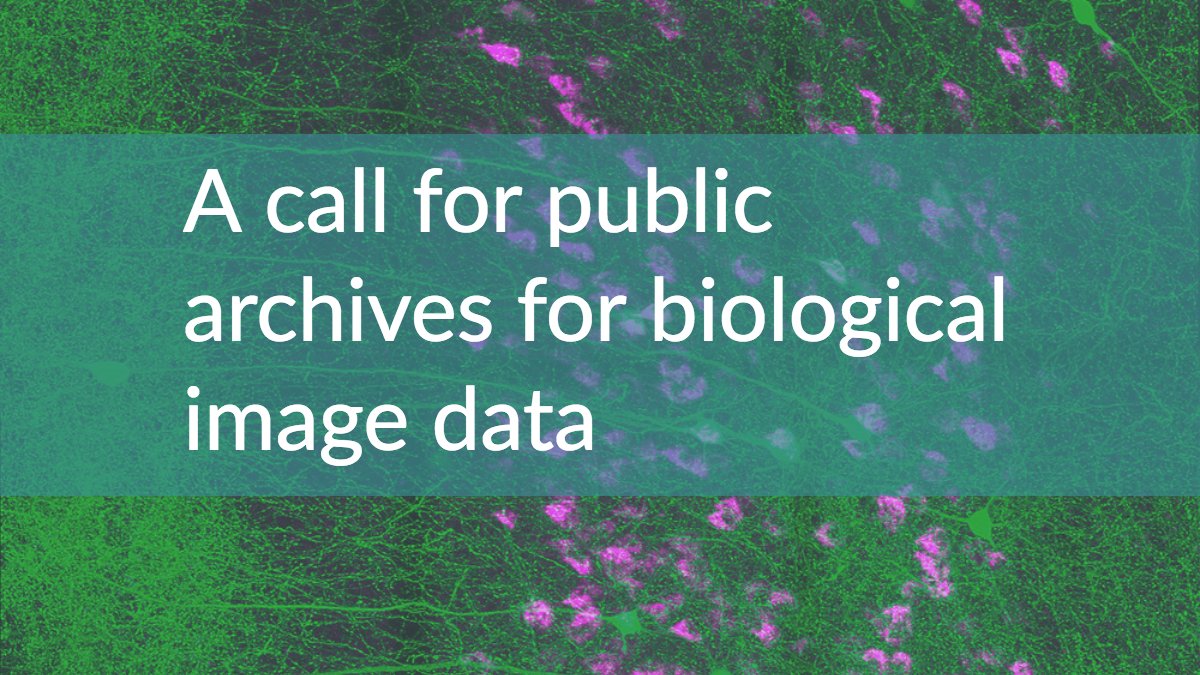
A paper detailing the need for the BioImage Archive was featured in Nature Methods in November 2018. Read more
-

Examples of bioimages shared and reused. Read more